Work through a complete new look for the room in your photo.
The room is furnished, but the pieces do not quite speak to each other. Use a photo to work on the textiles and accents that connect the space.
Open another RoomTale tool and go straight to its workspace. Start with the change you want to make next.
Work through a complete new look for the room in your photo.
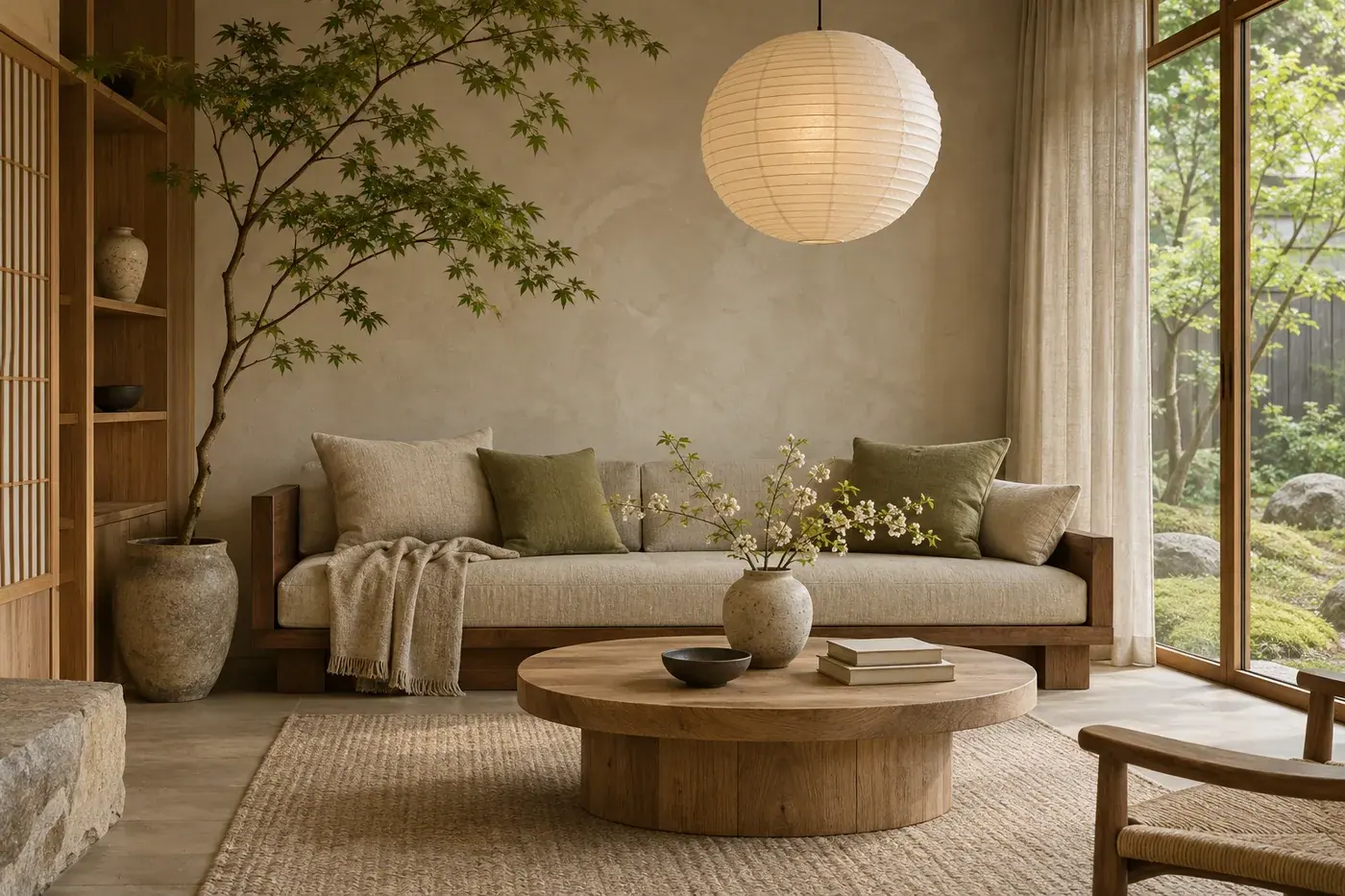
Try a different design language in a room you already know.
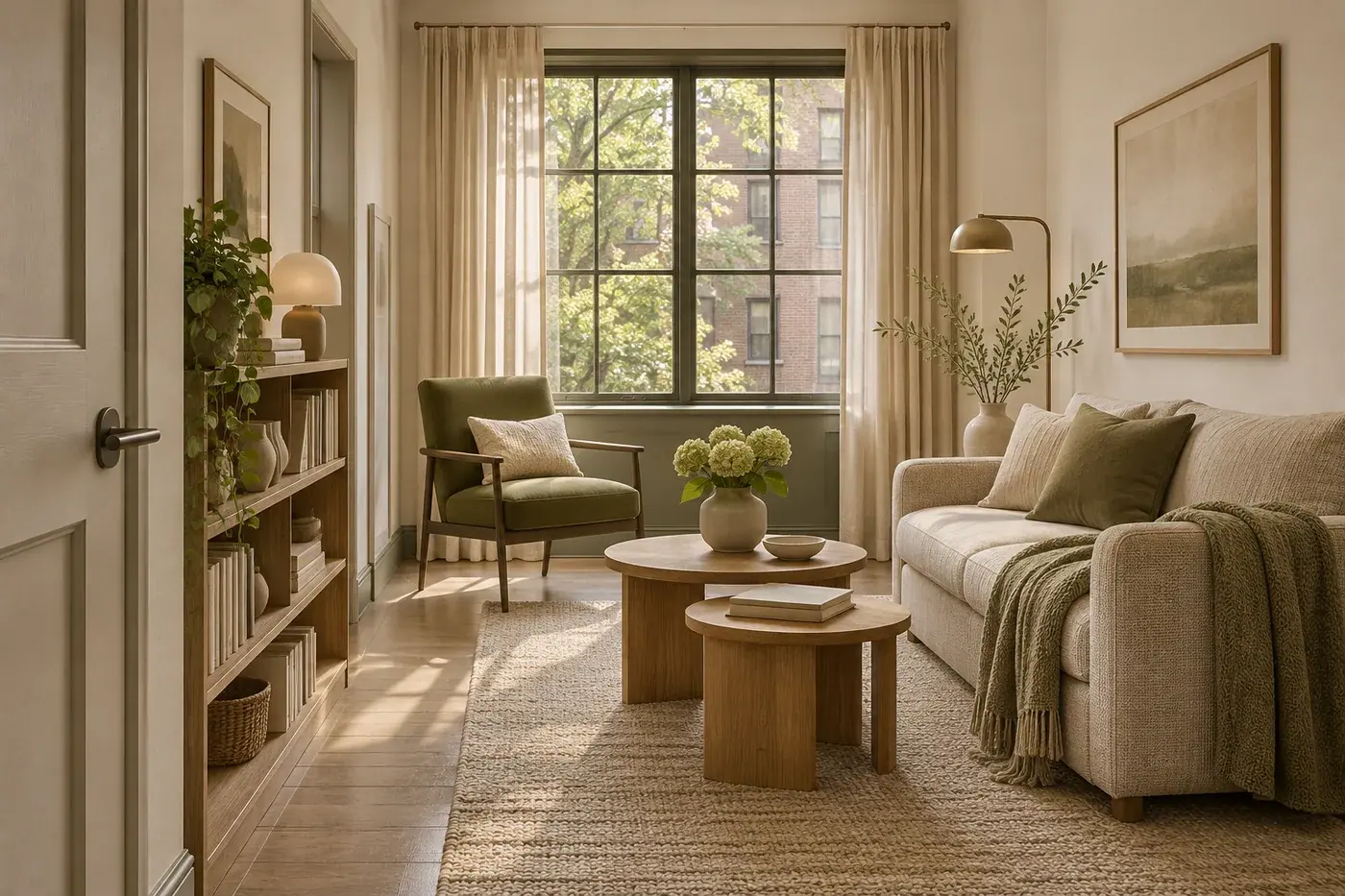
Explore how seating and storage could share the room.
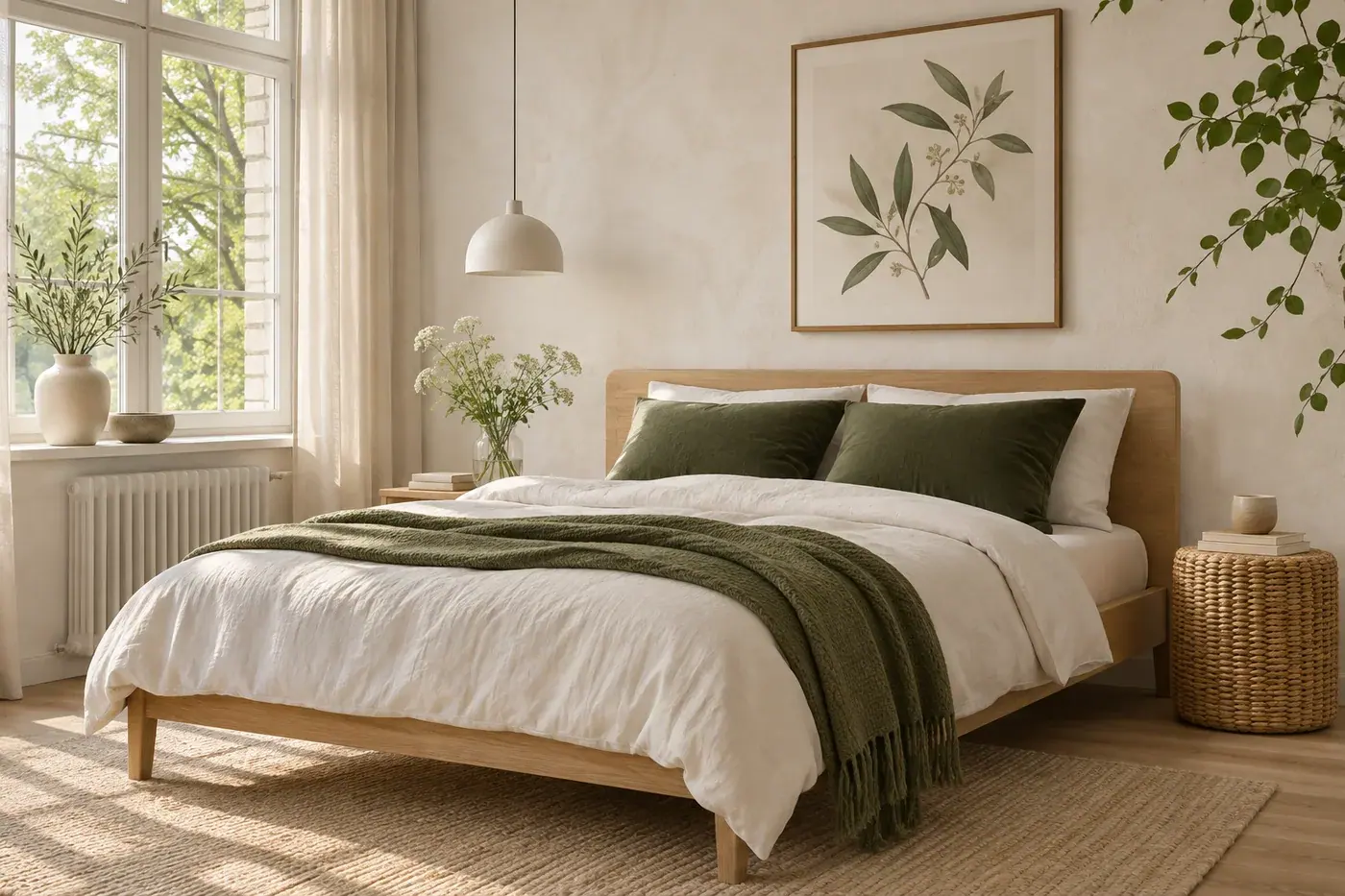
See a wall color beside the floor and furniture you already have.
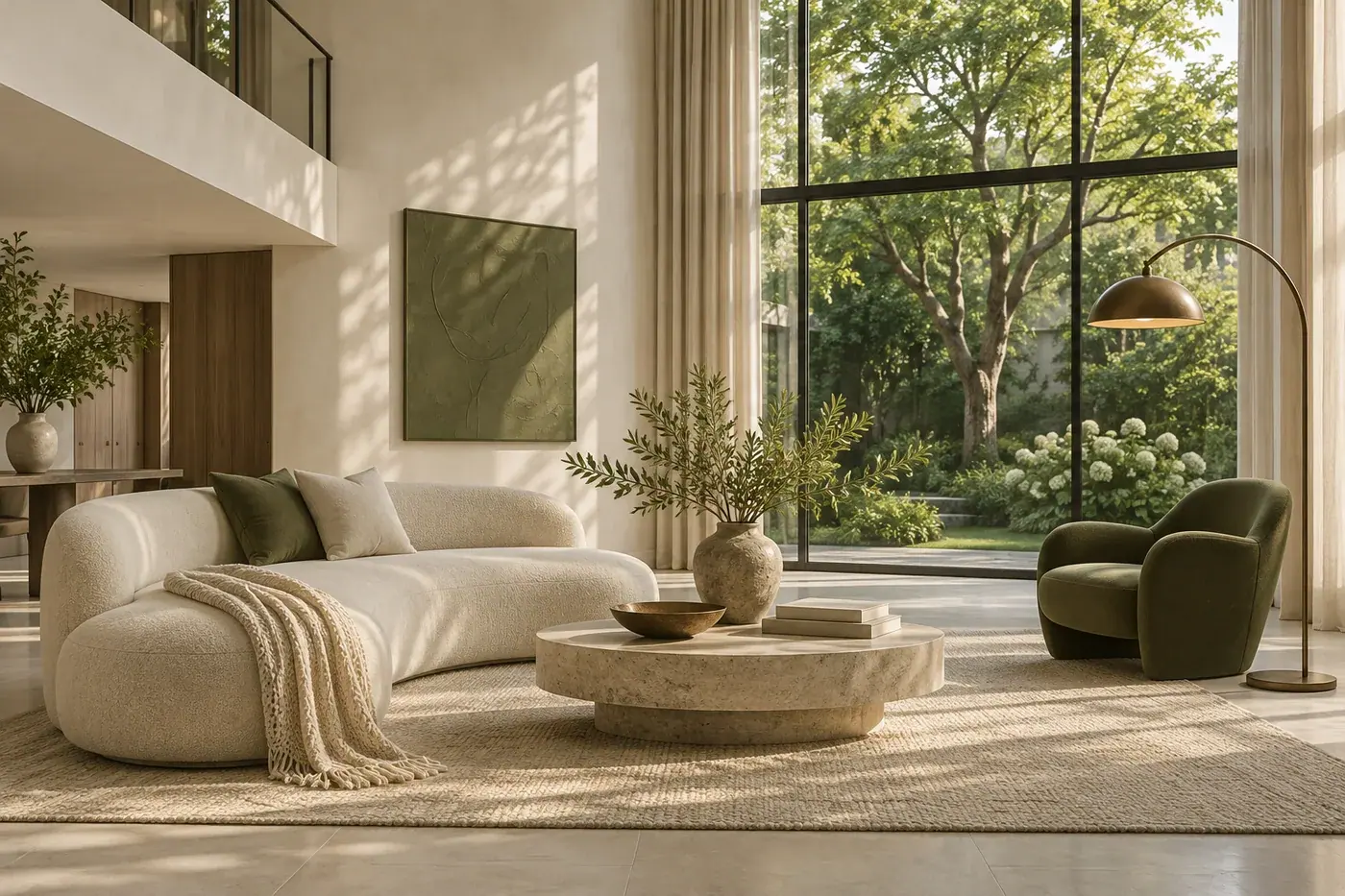
Help an empty room tell a more complete story.
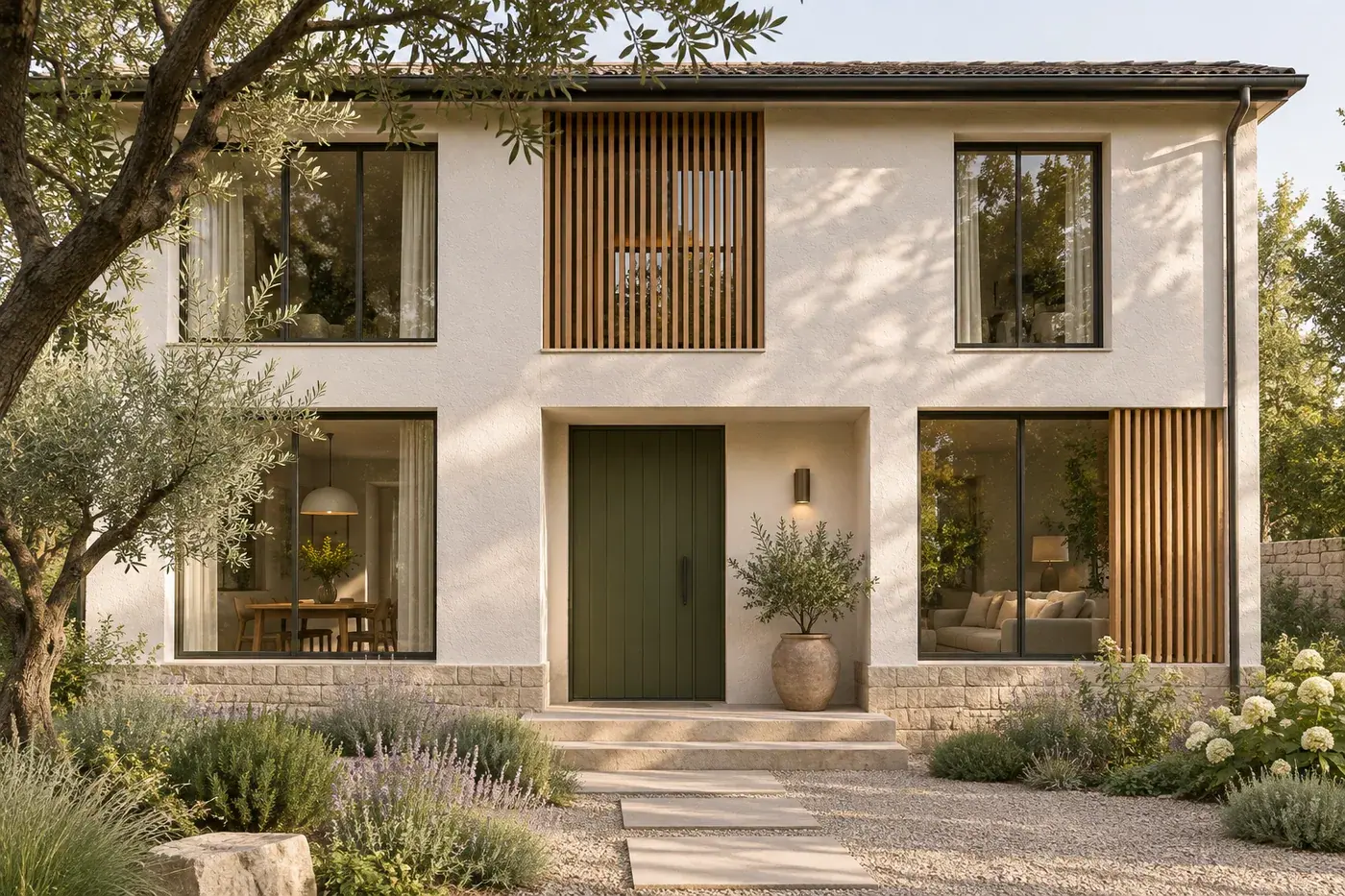
Coordinate the facade, trim and entrance from a house photo.
1–6 / 11
Upload a room photo, name the pieces to keep and describe the textiles or accents you want to try.
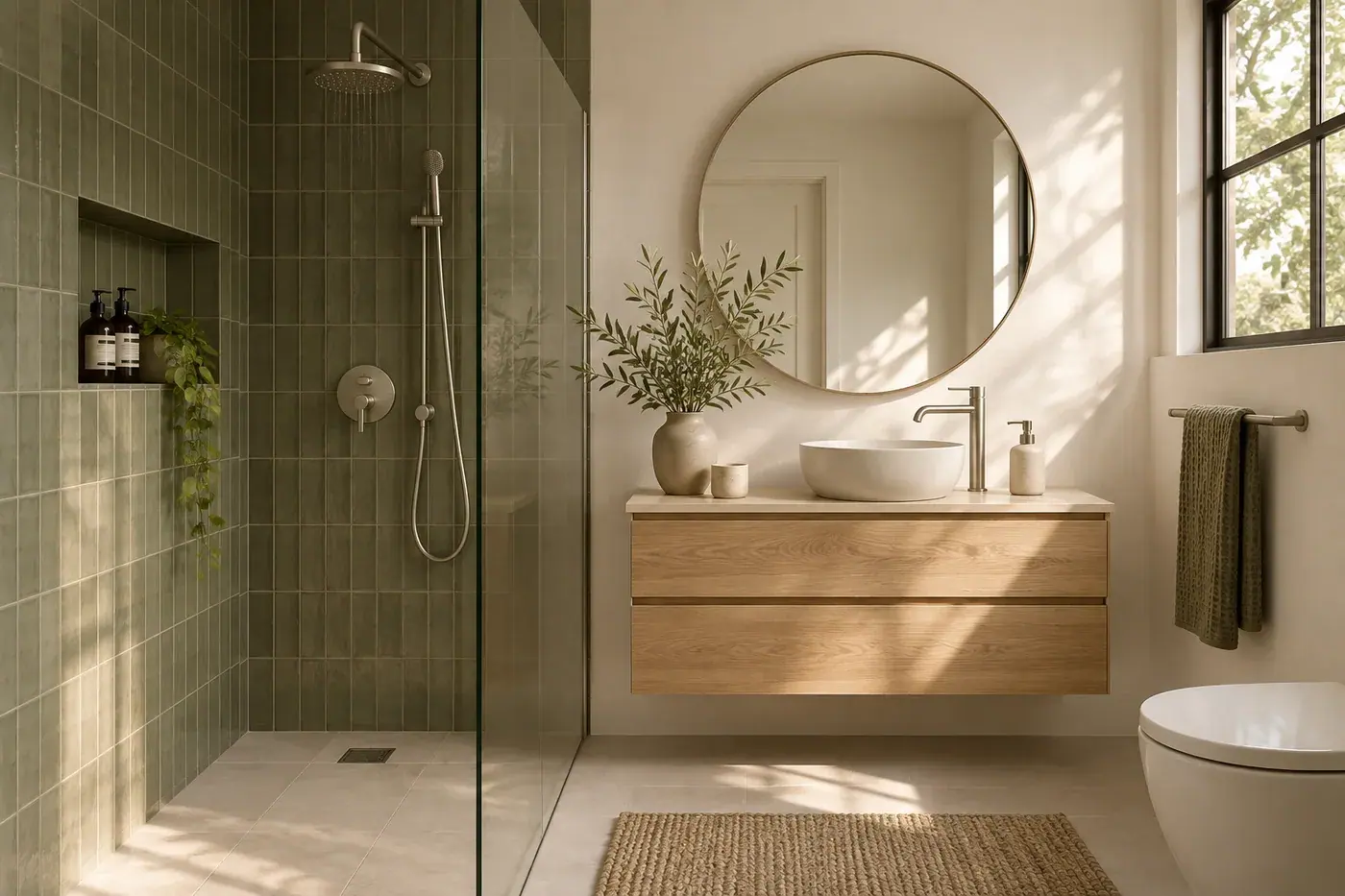
Upload a furnished room photo to explore new cushions, textiles, artwork and decorative accessories.
Describe the mood, textiles, accent colors and accessories you want; the main furniture stays in place.
Read the credit estimate, generate a concept and look at the whole room before deciding what to refine.
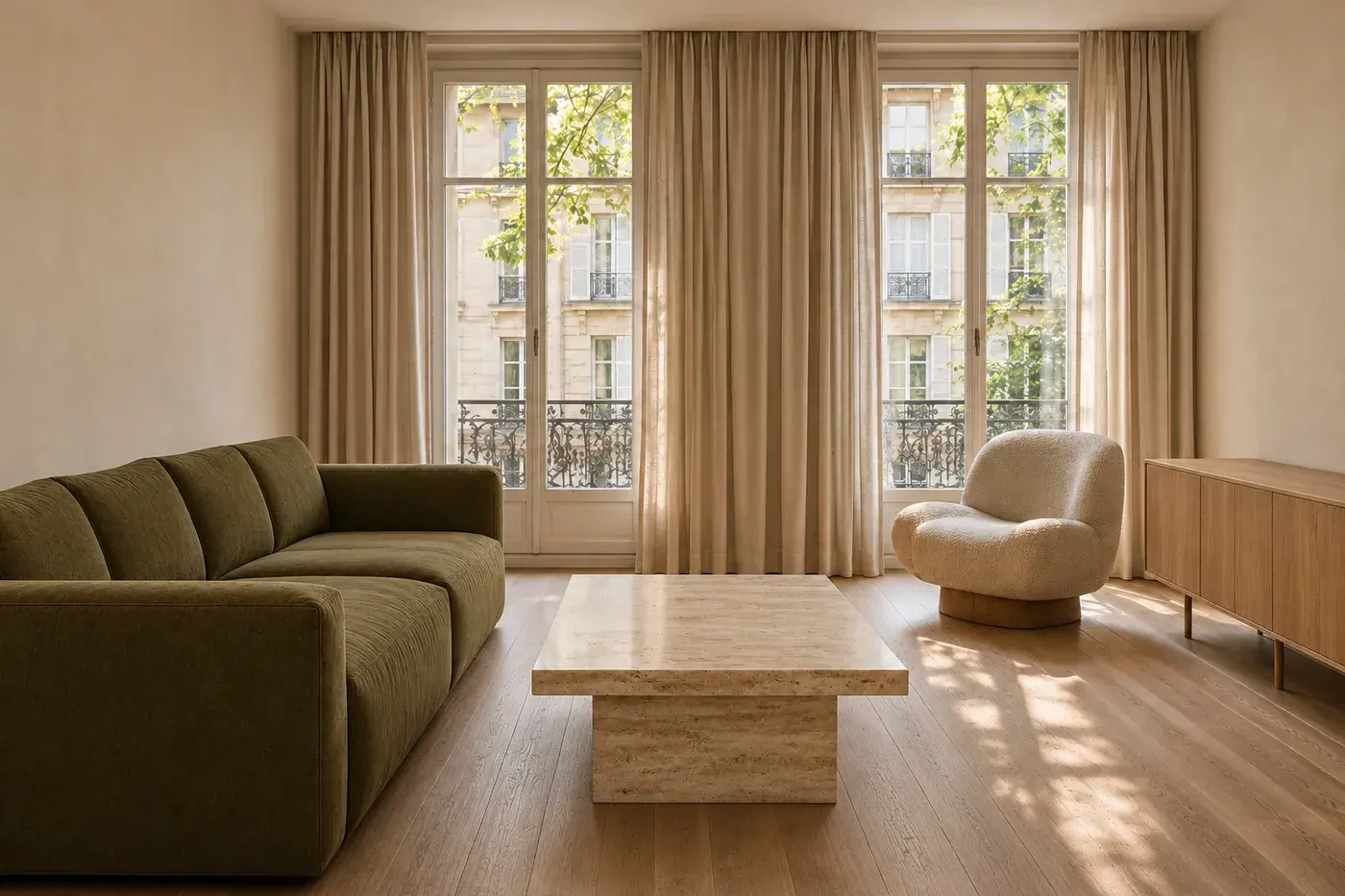
Read the concept beside your starting photo
The room is furnished, but the pieces do not quite speak to each other. Use a photo to work on the textiles and accents that connect the space.
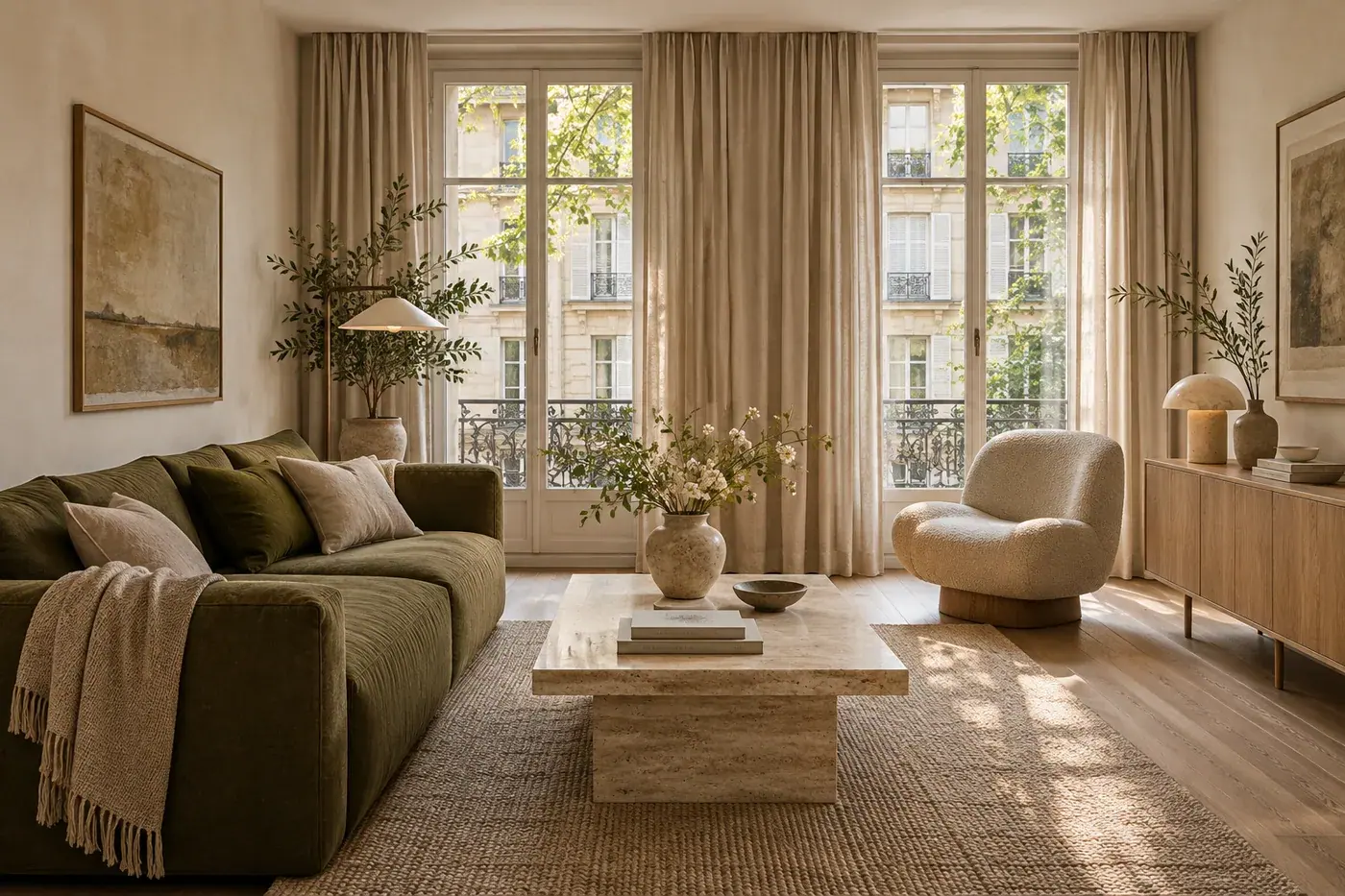
Try a rug, curtains and cushions as one scheme. Look at how their scale and tones sit beside your existing furniture.
Use the request field to describe the amount of color and pattern you want. Keep the rest of the brief steady while trying another direction.
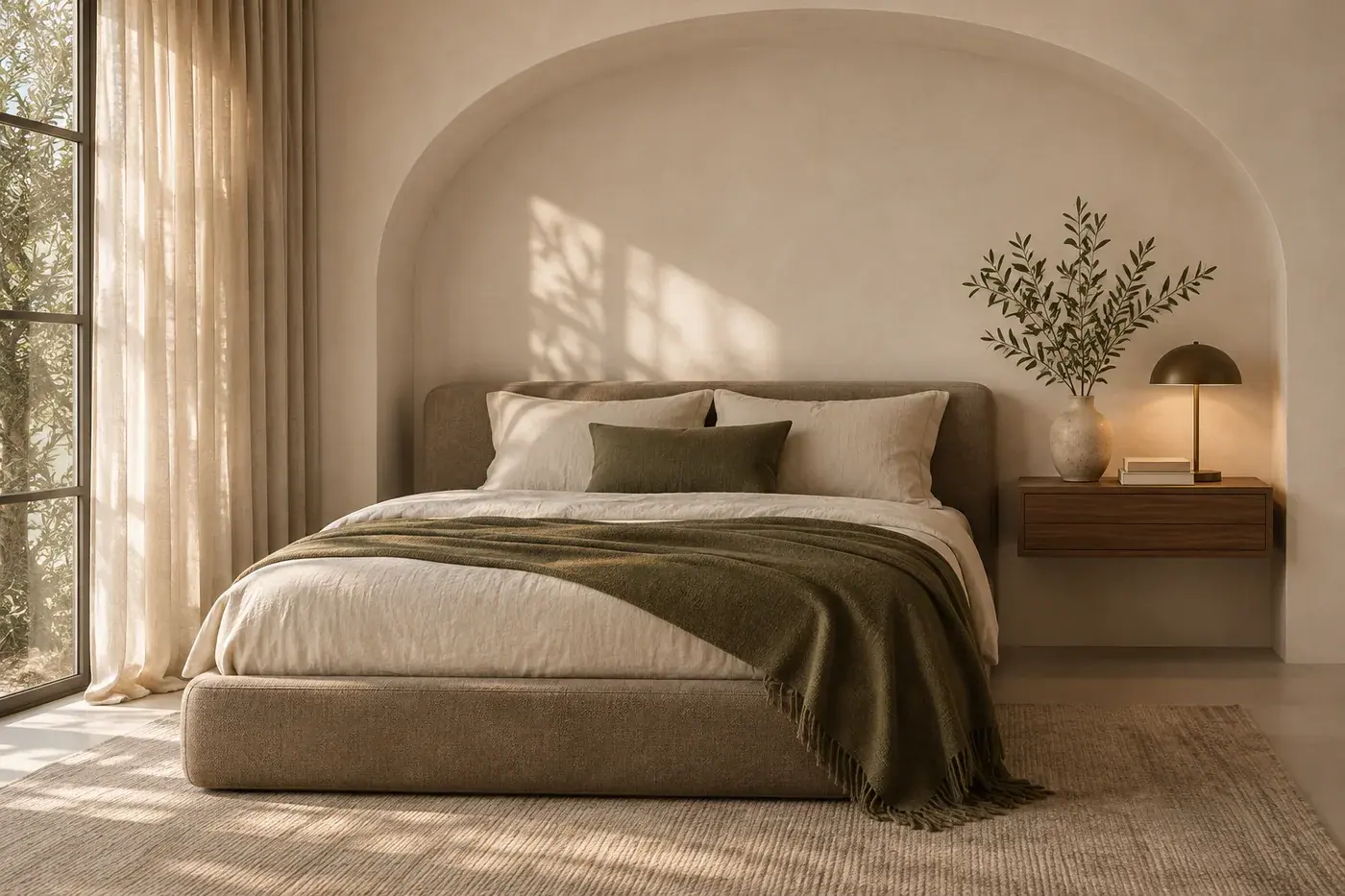
Name the main pieces you want to keep and focus the request on movable decor. Review the output for any unrequested changes.
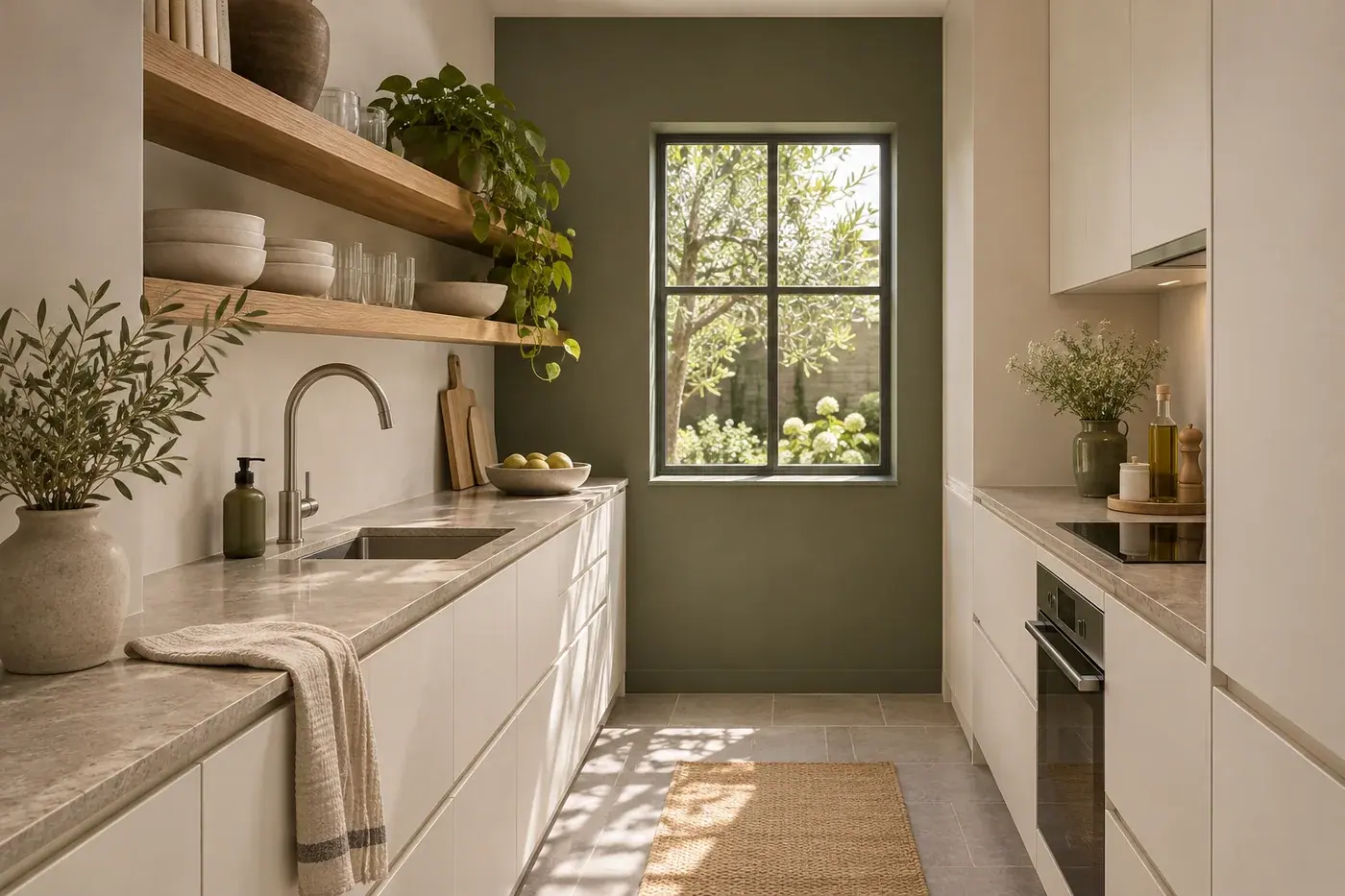
Save the visual combination you like. Use it to describe fabric, color and shape while checking actual sizes and products separately.
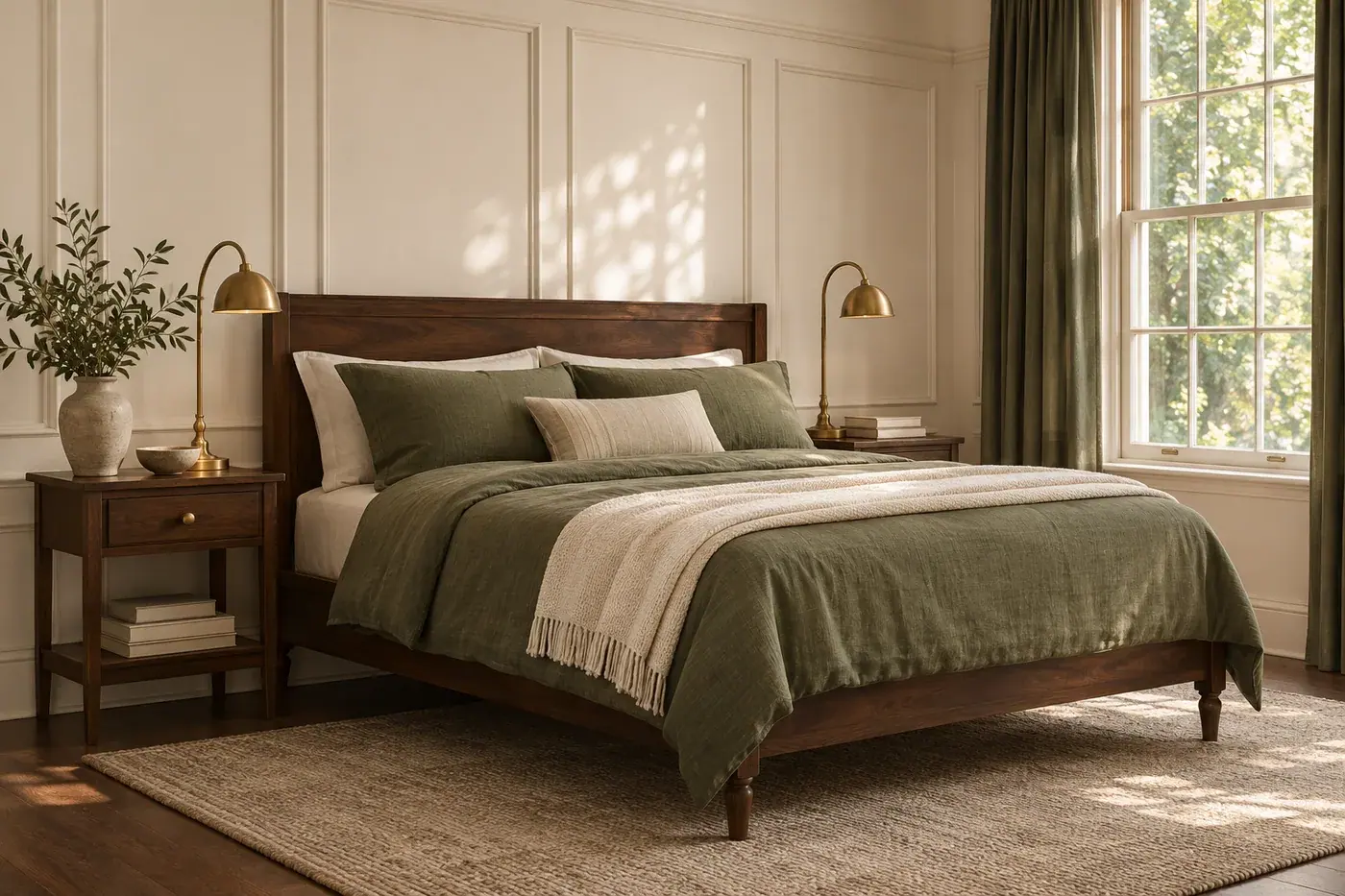
Upload a furnished room photo to explore new cushions, textiles, artwork and decorative accessories.
Start with the habits the room needs to support. Use a study to decide what to keep and what deserves a different arrangement.

Focus a design brief on movable furniture and soft furnishings. Explore how the room could feel more personal around the pieces you already have.
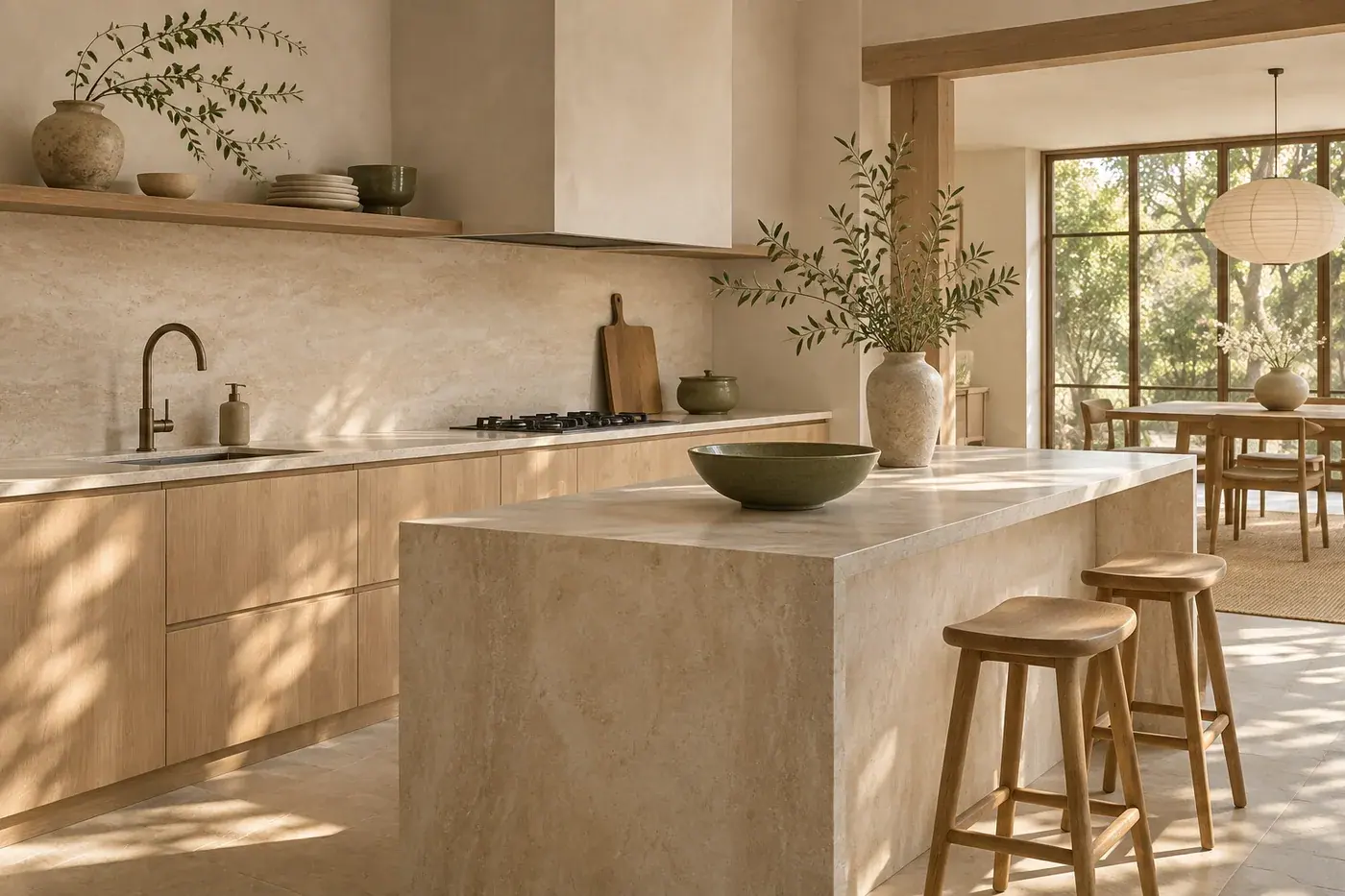
Share the original photo with the concept you prefer. Point out the colors, finishes or arrangement you want to develop in a measured design.
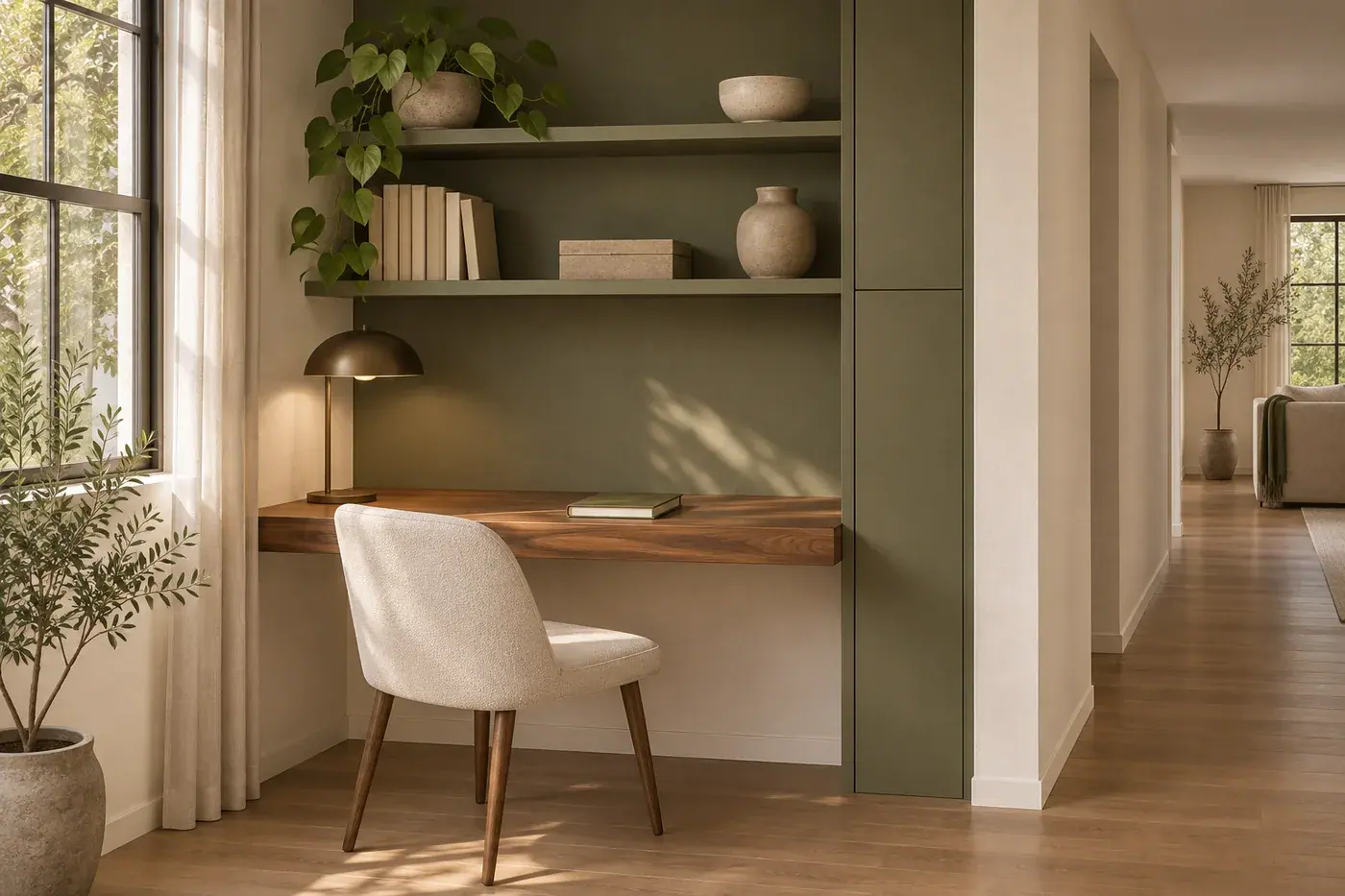
Use a labeled AI concept to explain an empty room’s possible use. Keep its original photograph available so viewers can understand the proposed changes.
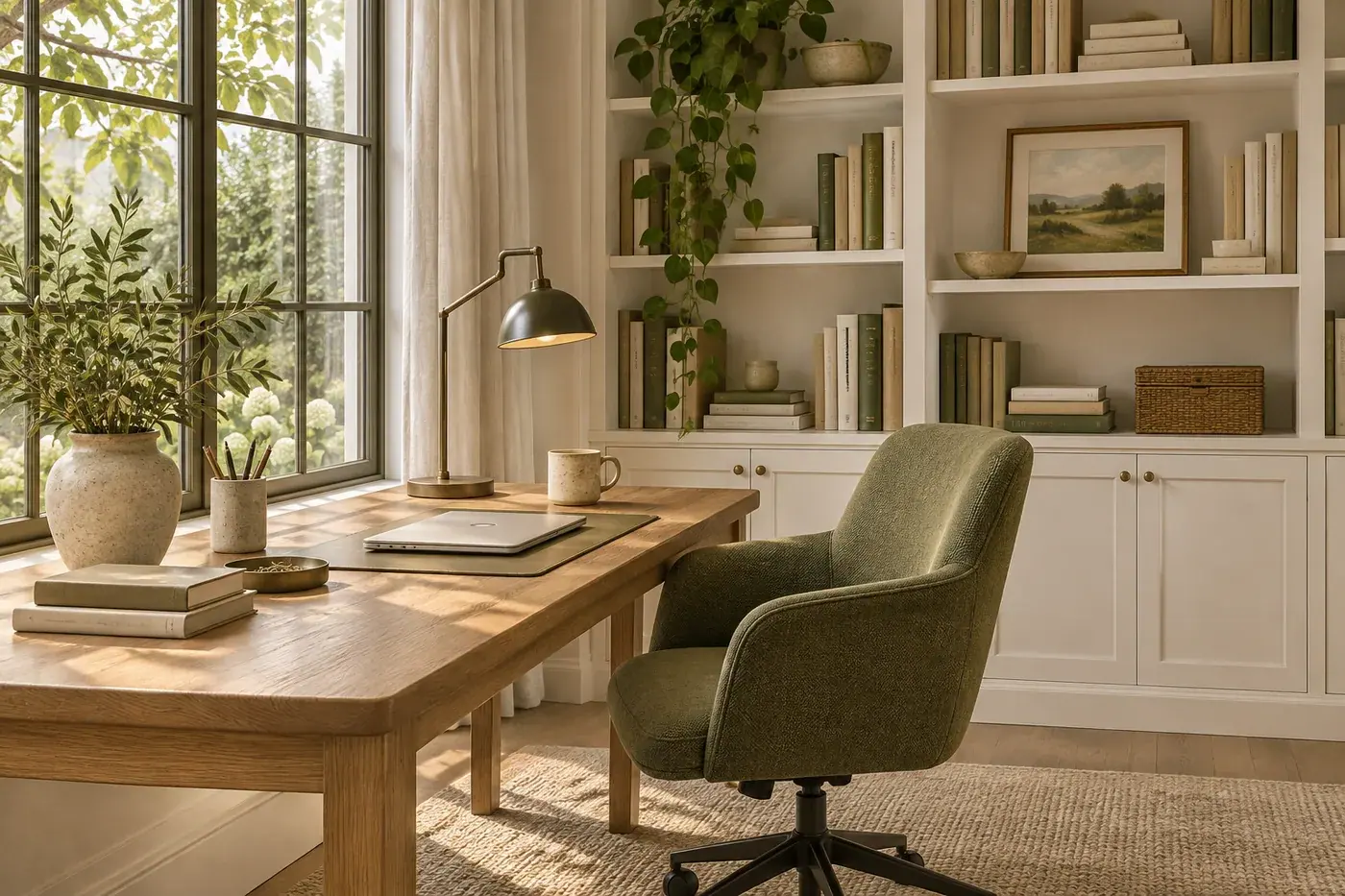
Studio studies
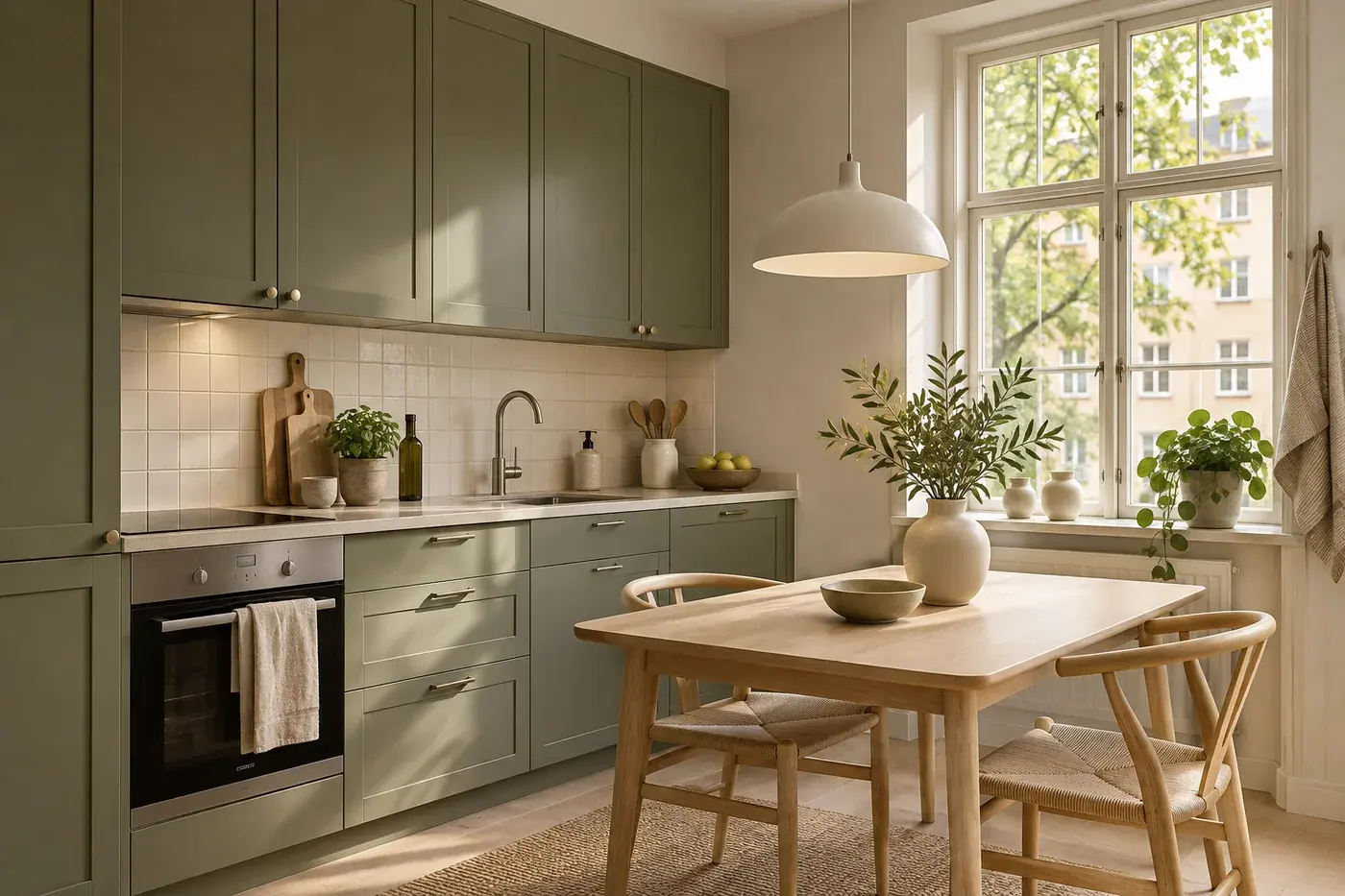
Try a rug, curtains and cushions as one scheme. Look at how their scale and tones sit beside your existing furniture.
Choose credits around your next project: one room, a few layout studies or a regular design workflow. Check the billing period and total before choosing a plan.
Loading designs...
For first ideas and a fresh perspective on your space.
Billed monthly · auto-renews
Credits granted each paid month. Manage your subscription in Billing.
For regular redesigns and exploring more possibilities.
Billed monthly · auto-renews
Credits granted each paid month. Manage your subscription in Billing.
For larger projects, multiple rooms and client presentations.
Billed monthly · auto-renews
Credits granted each paid month. Manage your subscription in Billing.
These soft-furnishing concepts retain the main furniture and room layout.
Contact supportUse it for a visual scheme of rugs, curtains, cushions, accent pieces and other movable decor. The generated image shows a design direction, rather than a list of exact products.
The request is guided toward soft furnishings and the existing room. AI can still change details, so compare doors, windows and main furniture against the original before using the study.
Describe the change you want in everyday terms and identify the pieces that should remain. A specific request gives you something concrete to review in the result. Describe the mood, textiles, accent colors and accessories you want; the main furniture stays in place.
These soft-furnishing concepts retain the main furniture and room layout.
AI generation uses 10 credits per 1K image or 15 per 2K image. Choose 1–4 images; the button shows the total before submission. Credits are reserved when a task is created and returned if that task fails. A new variation is a new paid task.
Generate another study from the same original photo, or use a completed result as the next reference. You can request 1–4 images with the available controls. Read the credit total before each new request.
The workspace shows the task state, and signed-in tasks remain in My Projects. Processing time varies with output settings and the service queue. Check the existing task before submitting the same brief again.
Download the completed image and use it beside your original as a design reference. Signed-in tasks are also available in My Projects. The image does not include editable CAD geometry or an exact shopping list.
Your designs are not automatically published in Explore. Uploaded images and preferences are processed by the generation service, and image files may be accessible through their storage links. Keep those links private and avoid uploading information you do not want processed. For help, use the feedback button or support@roomtale.app.
The uploaded photo is used as a reference, and the generated design is a separate image. The original file on your device stays unchanged. Keep it to compare the design and review any details that the AI may reinterpret.
Start with the furniture you have and explore the finishing details around it.