
AI room design: how to take a photo that is easier to work with
A practical photo checklist for room redesign, with a sample brief and a comparison method that keeps your real space in view.
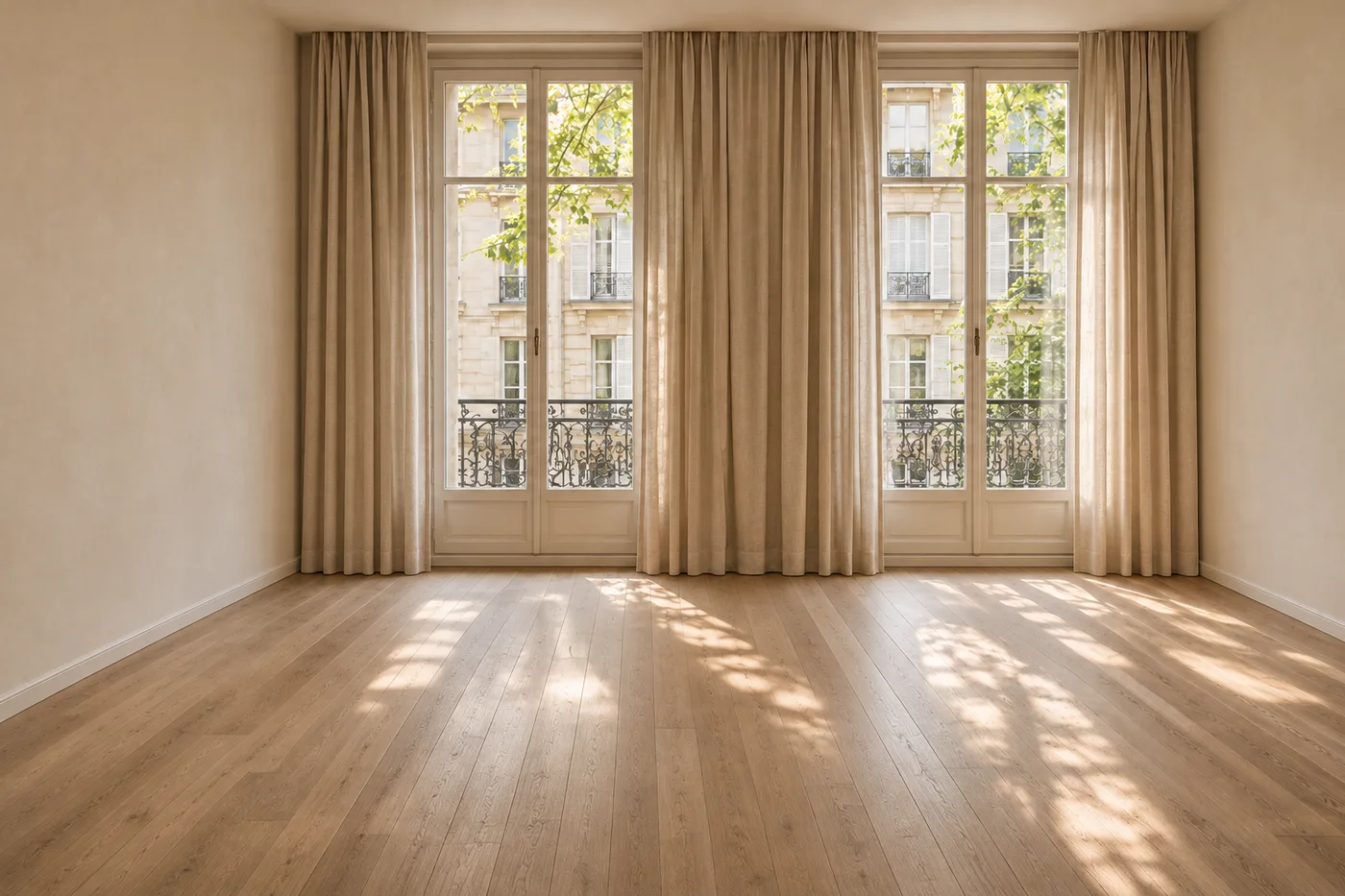
A useful room redesign starts with a photo that shows what is actually there. Before choosing a style, make it easy to see the room's walls, windows and furniture. This guide gives you a repeatable starting point for AI room design.
Choose the view that answers your question
If you want a new furniture arrangement, photograph the main seating area together with the door and the route through the room. If you want to try wall colors, include the wall beside the floor and the furniture you intend to keep. A close-up of a cushion cannot explain a whole room.
Stand in a doorway or a corner and hold the camera level. Keep the original proportions rather than stretching the image to make the room appear wider. Take a second angle for your own records, but begin the first design with one clear view.
Make the existing room easy to read
Use a sharp photo. Avoid a frame where a bright window hides the rest of the room in shadow. Move a temporary obstruction if it blocks the feature you want to change, but leave permanent fixtures visible. Radiators, low ceilings and built-in cupboards are part of the brief.
Before uploading, check mirrors, family photographs, letters and screens for personal information. Use a photo you have permission to edit. RoomTale accepts JPG, PNG and WebP room photos within the upload limit shown in the workspace.
Write down what should stay
Use this example as a starting brief:
Redesign this living room in a restrained modern style. Keep the window locations, door positions and existing wood floor recognizable. Explore a smaller sofa, a lighter rug and a warm neutral wall color. Keep the route from the doorway to the window clear.
This is a request, not a guarantee that the model will preserve every detail. After generation, check the features you named against the original.
Compare the same view before trying another style
Generate a first concept with your original photo. Review the estimate before submitting. Compare the image with the source and note one thing you like and one thing to change. Try the next concept from the same source view so you can judge the difference more easily.
Keep a simple review list: window positions, door openings, furniture scale, circulation and the requested style. If an attractive result changes the room's architecture, use it as a visual reference rather than as a plan you can build from.
Turn the picture into a next step
Save the original alongside the concept you prefer. Record which parts are real and which are proposed changes. Take measurements before purchasing furniture, and discuss structural or installation work with an appropriate professional.
Ready with your photo? Open RoomTale and start with one clear design question. For more control over a single change, try the wall paint visualizer or furniture layout tool.